 RowDocs
Certificates from a Google Sheet, one per person
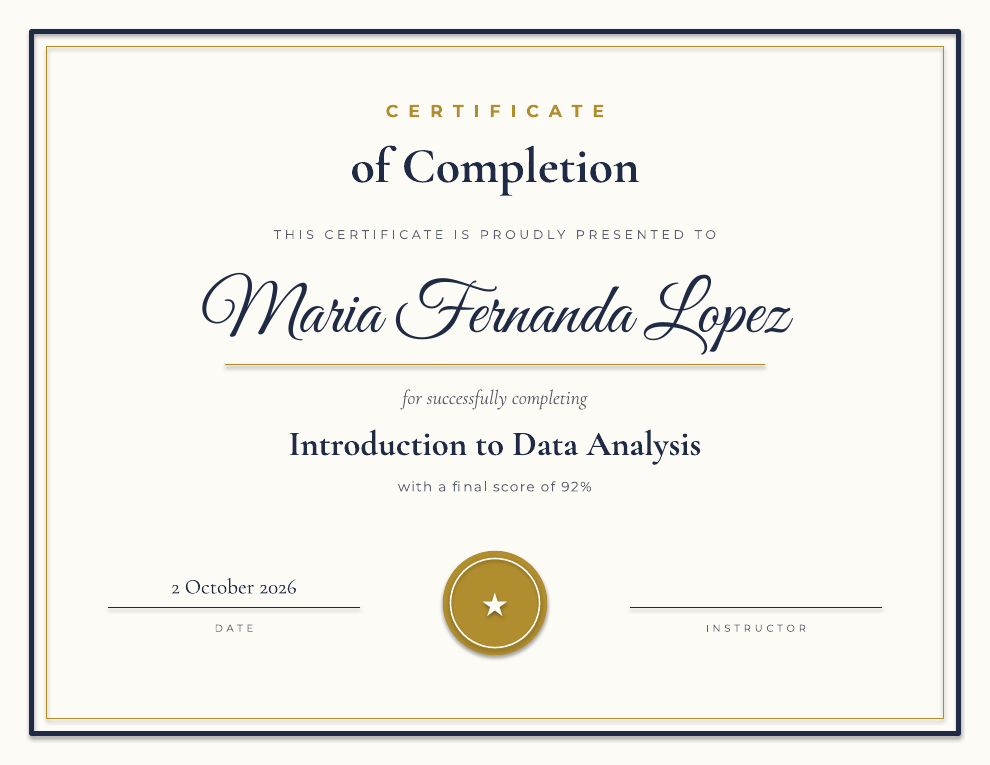
Design the certificate in Google Slides or Docs with <<Name>>, <<Course>> and <<Date>> tags. RowDocs makes one PDF per row and can email each certificate to its recipient. Great for courses, workshops and events.
Get the free certificate template

RowDocs isn't in Google's add-on store yet, so you can't install it just yet. Leave your email and we'll write to you the day it's ready.
One email on launch day, then we forget your address. Privacy
| Name | Score | RowDocs status |
| Maria Fernanda Lopez | 92% | PDF emailed |
| James Okafor | 85% | PDF emailed |
| Aiko Tanaka | 64% | Skipped |
Rule: only scores of 80% or more get a certificate.

Using a Google Form? See certificates from Google Forms, with a free Google Slides certificate template.
What it looks like in Google Sheets
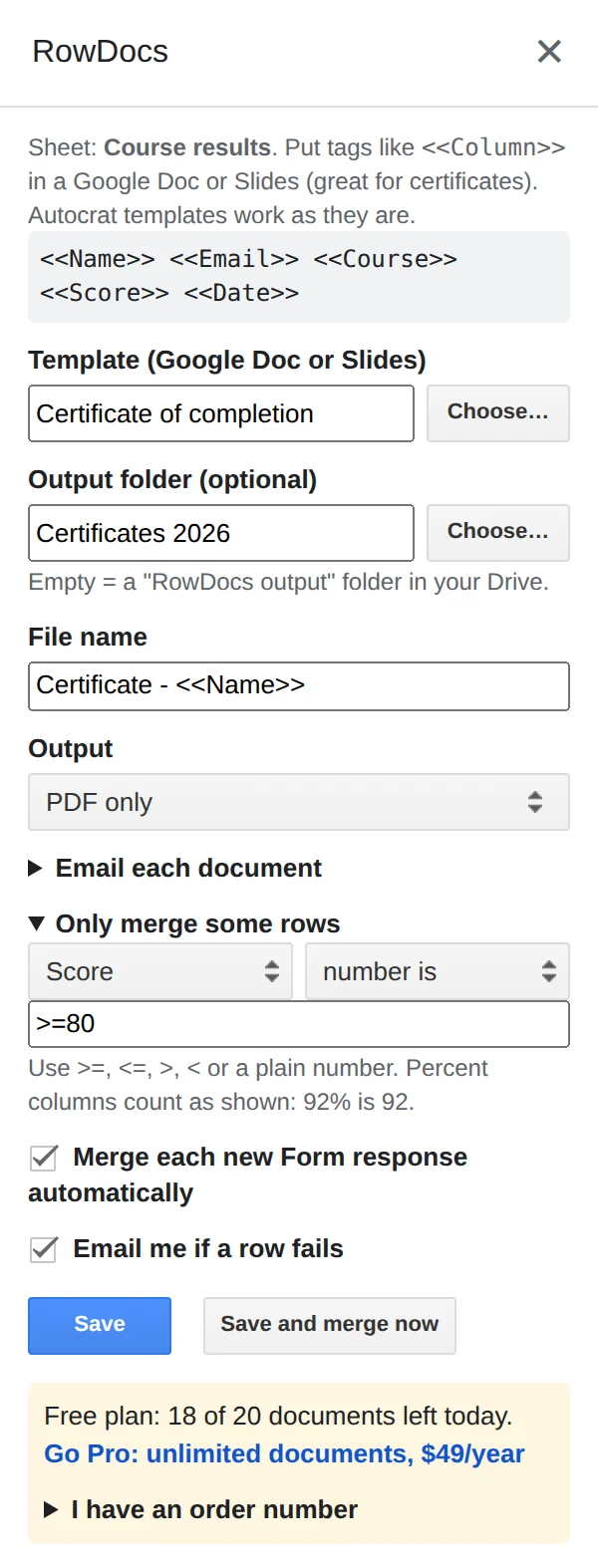
RowDocs lives in a side panel in your sheet: Extensions › RowDocs › Set up merge.
- Design the certificate in Google Slides with <<Name>>, <<Course>> and <<Date>>, or start from our free template.
- Add a condition if you need one, like Result equals "Pass" or Score number is >=80, so only the right people get one.
- Merge and send. Choose PDF, pick the email column, and click Save and merge now.
Questions
Can I design in Google Slides?
Yes. Slides templates are supported, which is the easiest way to lay out a certificate.
Can I only issue certificates to people who passed?
Yes. Add a row condition, e.g. Result is "Pass", and other rows are skipped.
How many can I make for free?
20 documents a month are free. Pro removes the limit for $79 a year, with a 7-day free trial.
Free to start
20 documents a month free, forever. Pro removes the limit for $79 a year, with a 7-day free trial. See pricing.